How Becoming a Mom Made Me Rethink My Approach to Organization and Productivity
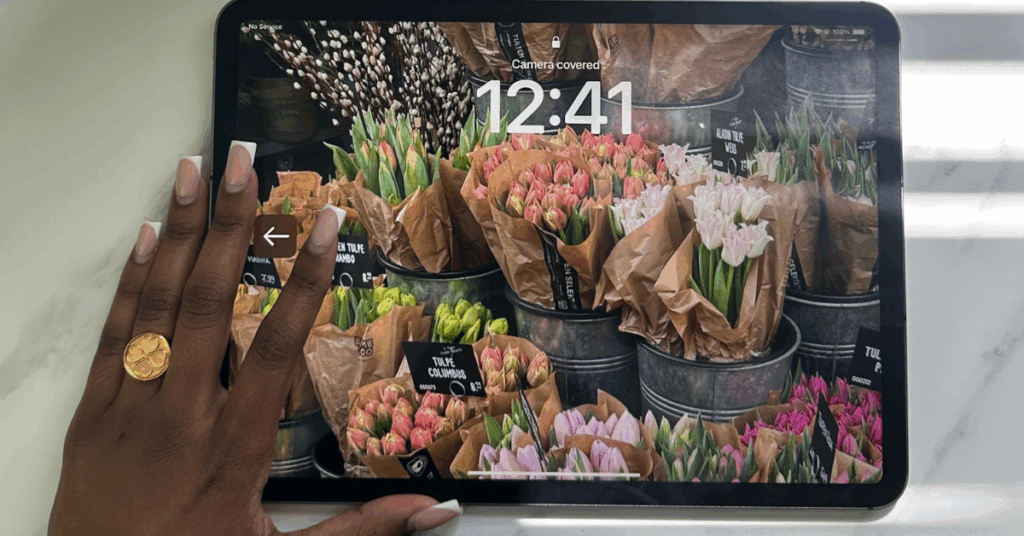
Who’s ready to learn my best organization tips for moms?
My daughter is 3 years old and 7 months (yes I’m that mom). IYKYK.
And ever since I’ve become a mom I’ve realized that “wow I really am the default parent.” At first it was the breastfeeding, but then I become a work from home mom and I realized I still have to manage her schedule and my schedule. So I started looking at Pinterest and searching what other moms where doing to manage their schedule and organization. And wow I was shocked how a lot of the advice was wake up at 5 am. I think I speak for most working moms when I say we are all sleep deprived. Then I started to wonder, how can I be organized and productive while still getting things done? You’ve probably guessed it. I’ve tried a of of things over the years. While I’m not a soccer mom or dance mom yet, I figured it’s better to learn how stay organized now vs. later.
Step 1: Brain Dump
I like to do my brain dumps using the “Goodnotes” app. I tried buying digital planners but I never really used them. I even tried a paper planner too and it didn’t work. Eeek! Now I found a way to use my iPad instead of just for watching movies. I downloaded the Goodnotes app and instead of getting a preplanned calendar, I use digital paper and then I use different widgets or stickers and then I write down my brain dumps. This is perfect if you consider yourself a “CREATIVE MOM.” I really feel that it helps me express myself so that I can create a theme planner for myself. I personally like to brain dump my personal life, client work, and personal goals. Then I organize which is what I will chat about in the next section. Want a video? Please click below.
Step 2: Organize
Now it took me a long time to figure out this process, but it’s what works for me. I tried using Notion, and Google sheets but it didn’t work out. I use the Reminder app on my iphone for anything that is personal. For business related tasks I like to use Airtable. Organization tips for moms are everywhere, but this step is really for working moms or freelance moms like myself who have the option to work from home but are juggling kid and business. Ohh and I feel like you can combine these tasks into one app if you want but I didn’t have much success. Want to watch a video? Click below.
Step 3: Action Plan
Do your action plan for the week or daily. This is really going to be the space where you identify okay, so here are my high, medium, and low priority tasks. Once I organize my action, I put everything into the designated app. Like I said I do my action plan for personal life and my kids in the Reminders app and anything business related is in “Airtable.”
As a mom business owner, you are probably wondering okay how much time does this take? Personally I like to do a weekly planner and then a daily planner. But you don’t have to do that. I will use my ipad on Sunday the most to braindump all my tasks but then I’ll edit it each day. Once you get used to this process it will get easier. But you can try for a week and see how it goes too. I like the creative part of designing a themed weekly planner but it takes time. You can easily buy them on Etsy or make your own on Canva. I like to also use that time kind of like self-care. I would say weekly this takes me 1-2 hours to plan everything. Hope that helps!
